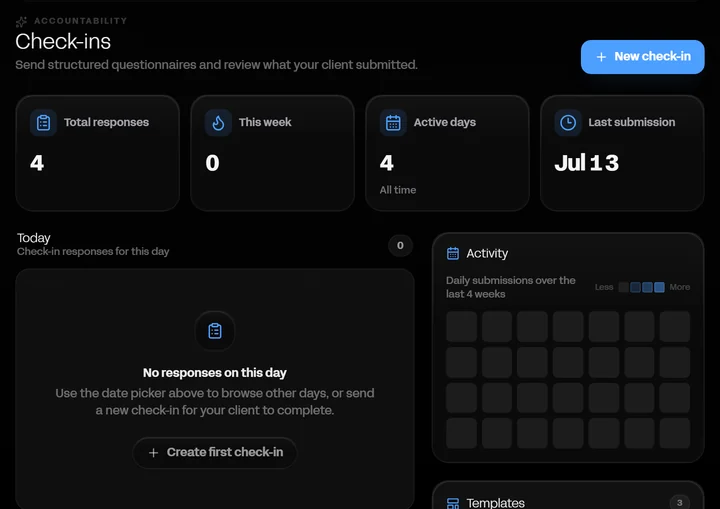
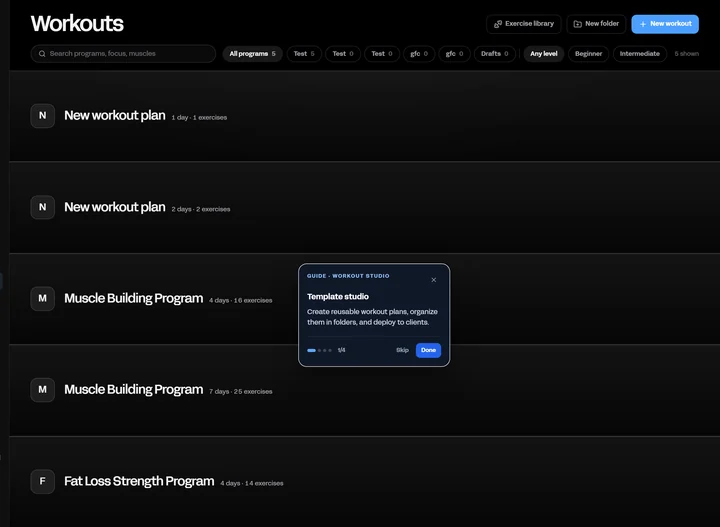
Client overview
Open a client and everything about them is already there: what they did today, what they are meant to do, what they weigh, what they ate, and what they last said to you. No tabs to reconstruct, no spreadsheet to cross-check.
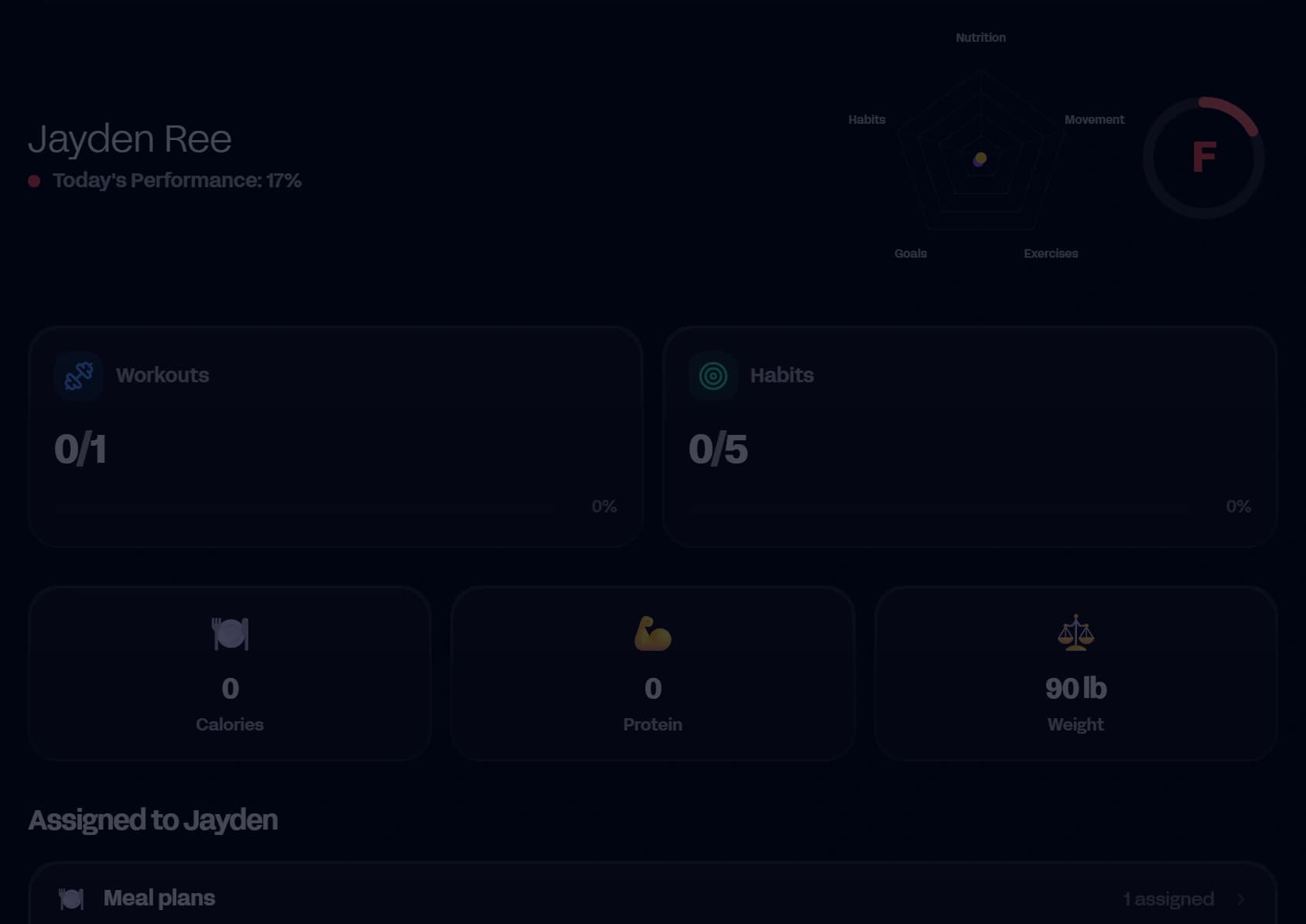
- Today's workout, habits, and nutrition at a glance
- Performance score that reflects the whole week
- Every tab scoped to the date you are looking at
- Quick actions for the things you do most
The day, not the database
The top of the page answers the only question that matters when you open a client: are they on track right now? Workout status, habits completed, calories logged, and latest weight sit in one row, each one reading from the same date you have selected.
Move through time, not through menus
Change the date and the whole page follows. Exercises, nutrition, habits, weight, check-ins and wellbeing all re-scope together, so reviewing last Tuesday takes one click rather than eight.
Turn features on per client
Not every client needs every tool. Toggle nutrition, goals and habits, exercises, or run tracking per person, and the ones you switch off disappear from their app as well as yours.
- Client only sees what you enabled
- Progress calculations ignore anything switched off
- Change it at any point without losing history
Try it with your own clients.
Start a 14-day free trial. Cancel anytime before it ends.
Start your 14-day free trial